This is the last year this material is going to be used :(. The SYS2 module is being redesigned by another person, soooo as always rather than binning this work i have decided to upload it here, the Elephants graveyard (Link) of lecture material :). To support the SYS2 video lecture series on networking (Link) we also had this complementary set of practicals. Again, the aim here was to give students hands-on experience of using a network via the lab's Raspberry Pi hardware (Link).
Practical 1 - Introduction : what is the Internet?
Practical 2 - Application layer : what is a protocol?
Practical 3 - Application layer : how do house keeping protocols work?
Practical 4 - Transport layer : well almost, file transfer and UDP.
Practical 5 - Transport layer : the journey starts, TCP.
Practical 6 - Transport layer : the journey continues, more TCP.
Practical 7 - Network layer : what is IP and how do we route stuff?
Practical 8 - Network layer : how do multiple hosts talk to each other?
Practical 9 - Data link layer and Physical layer : Ethernet and other stuff.
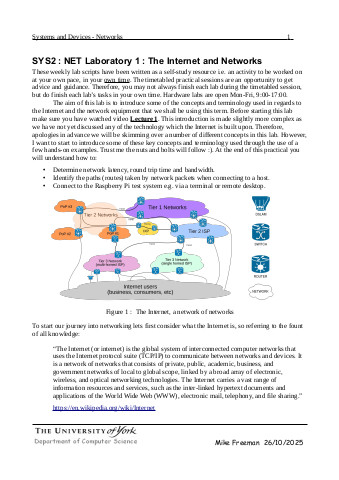
A get the ball rolling lab, introducing some basic concepts and the hardware used in the lab. No background knowledge assumed, however, would be good if you have watched lecture 1. Video: (Link). Slides: (Link).
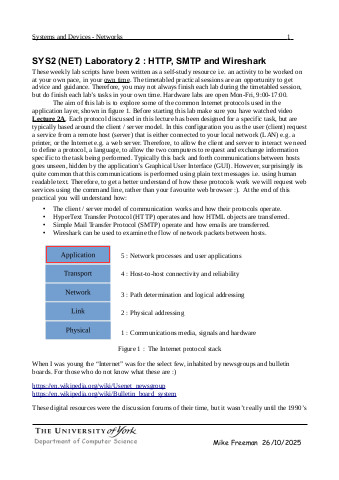
The aim of this lab is to start to think about how computers talk to each other i.e. how they communicate? This raises the question: what is a protocol and how do they work? We start to answer this by looking at and using some plain text protocols i.e. HTTP and SMTP, and use Telnet to directly talk to these servers. Video: (Link). Slides: (Link).
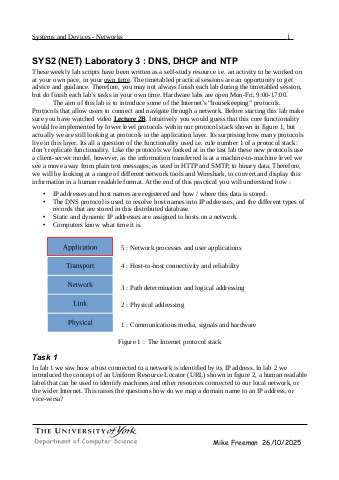
A quick look at some of the house keeping protocols that live in the application layer : DNS, DHCP and NTP. Introduce some network tools e.g. dig and ntpq, but the focus here is to use Wireshark and to see what is actually going on, what is being sent on the wire. Video: (Link). Slides: (Link).
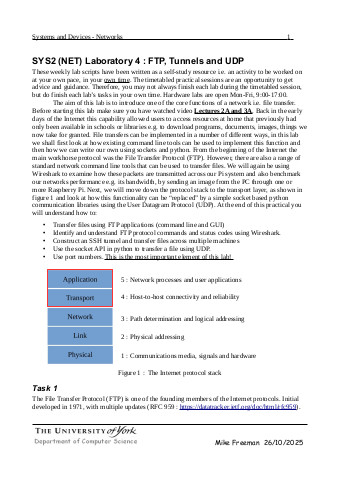
Initially we stay in the application layer and look at file transfers using FTP and SSH tunnels. The focus here is to hammer home the concept of a port i.e. what they are and how they are used on a network. Then we move down our protocol stack, down to the transport layer, stopping to consider what we need to do to send files between two machines using UDP i.e. write our own file transfer protocol. Video: (Link). Slides: (Link).
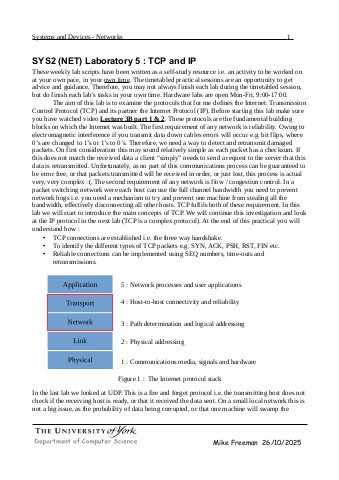
We start our journey into TCP, just the basics, the 3 way handshake and what do all those flags mean. To help answer this question we introduce the cowsay server, and ask the all knowing cow for their advice :). Again we explore this space through the use of Wireshark. Video: (Link). Slides: (Link).
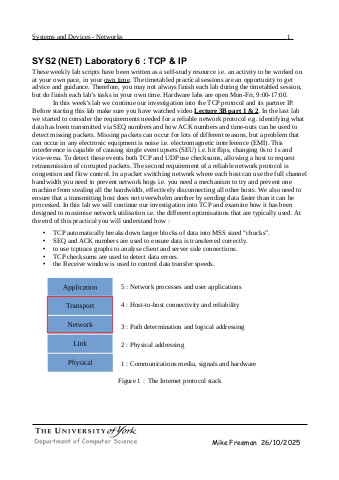
This is the hard bit, TCP basics are easy to understand e.g. the joy of SEQ numbers, but understanding what is actually happening on the wire can get confusing very quickly e.g. retransmitions, duplicate packets and errors. More Wireshark = more fun :). Video: (Link). Slides: (Link)..
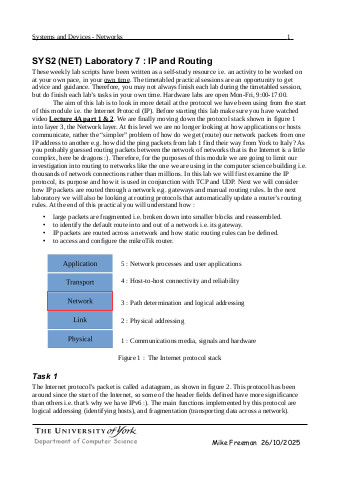
A quick look at the IP protocol through fragmentation, tunnels and loops. The lectures focus on IPv4, IPv6 and sub-netting i.e. the book work side. The practicals focus on using a network i.e. network addresses, network masks and routing. We explore these concepts through the use of point-to-point tunnels, linking machines together using IP-over-IP. Video: (Link)(Link). Slides: (Link).
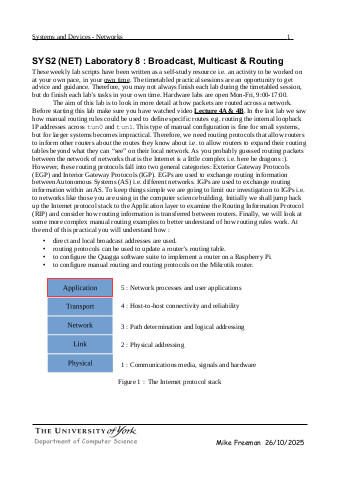
Up to this point we have talked around this area, but now we take a closer look at broadcast and multicast. To examine these concepts we us a slightly out of date routing protocol RIP. Why i like it :). So we continue our journey into routing, here be dragons :). Video: (Link). Slides: (Link).
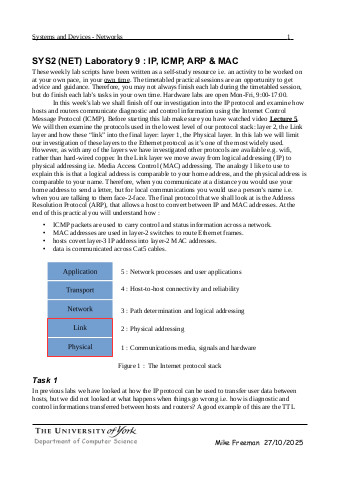
The bottom of protocol stack, layers 1 and 2. Focus here is on MAC addresses and how these are used in layer 2 i.e. switches. So we finish the journey looking at Ethernet frames and bits, back to where it all started i.e. 1s and 0s. Video: (Link)(Link). Slides: (Link)(Link).

This work is licensed under a Creative Commons Attribution-NonCommercial-NoDerivatives 4.0 International License.
Contact email: mike@simplecpudesign.com